

Listing photos that look like a pro shot them. Without hiring one.
You pick the job. The Studio writes the exact prompt your AI image tool needs, in the words architects, designers and photographers use, so the room stays the room and the result looks like a real photograph.
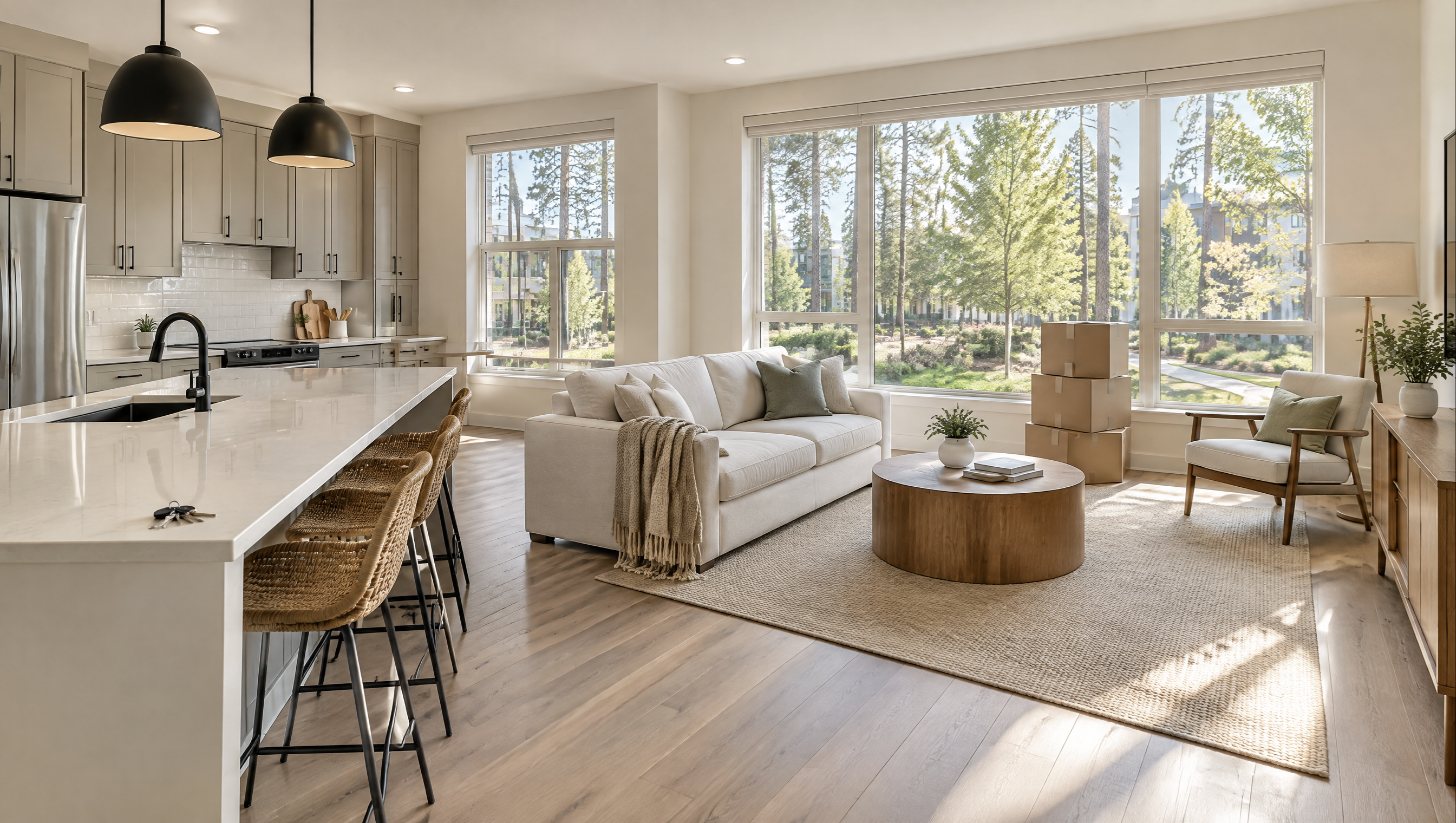
Example of a Photo Enhance edit.
AI photos usually look like AI photos
Too smooth. Windows that move. A sofa the size of a car. Buyers can tell, and your MLS can too. The fix isn't a better tool. It's a better prompt.
Structure stays put
Every prompt lists what can't change: walls, windows, doors, ceilings, rooflines, the lot. You decide how far a rendering can go.
Real-photo realism
Camera, light and texture language that keeps wood grain, fabric weave and natural shadows, and rules out the plastic AI look.
Disclosure built in
Each result comes with the right listing label, from virtually staged to conceptual rendering, so you stay on the right side of your MLS.
Eight jobs, one click each
Photo Enhance
Dark, crooked or off-color photos fixed the way a pro editor would.
Sky and time of day
Blue sky, golden hour, sunset, dusk, twilight and night, with outdoor lighting you design.
Virtual staging
Furniture at true scale in 38 design styles, from broad-appeal neutral to quiet luxury.
Interior redesign
Renovation renderings for flips and sellers who need to see the potential.
Curb appeal
Paint, siding, doors, lighting and Georgia-friendly landscaping, rooflines untouched.
Before and after video
Motion prompts for reveals, walkthroughs and day-to-twilight clips.
Three minutes from photo to prompt
- Pick the job and the room. Upload your photo and the Studio can list what must stay the same for you.
- Choose the look. Style, light, time of day, camera and aspect ratio. Plain words, no jargon required.
- Copy and paste. The prompt is rewritten for your tool, with fix-it prompts if a result comes back wrong.
Made for you if
- You list homes and want magazine-quality photos
- You flip or invest and need renderings to sell the vision
- You stage or shoot and want faster drafts
Not for you if
- You want a tool that edits photos by itself. You'll still use your own image tool.
- You want to hide a property's real condition
Before you buy
Is this a one-time payment?
Yes. Pay once and keep access for the life of the product, including every update.
Which image tools does it work with?
It writes prompts for Nano Banana, ChatGPT images, Seedream and Flux Kontext, plus Kling, Veo and Seedance for video. There's also a version that works in most other tools.
Do I need design or photography experience?
No. That's the point. You pick options in plain words, and the Studio adds the expert vocabulary.
How do I get in after I pay?
Checkout takes you straight into the Studio, and this device stays signed in. On a new device, use Studio login with the email you paid with and a sign-in link comes to your inbox. Your saved recipes and terms stay on your device.
How do updates work?
The Studio lives online, so you always open the newest version. A What's New panel and an email let you know what changed.
Can I split the payment?
Yes. Choose Klarna or Afterpay at checkout.
What's your refund policy?
Because you get instant, lifetime access to the full Studio, all sales are final. If you have questions before buying, email me and I'll help you decide. Details are in the Refund Policy.